
Nothing is more frustrating than watching your phone battery drop quickly when you need it the most. Whether you’re traveling, working, or simply out for the day, preserving battery life helps keep your phone reliable and ready. With a few smart habits and small adjustments, you can significantly improve how long your battery lasts no new device required.
Lower Your Screen Brightness
The display is one of the biggest battery drainers. Keeping your brightness too high all day can kill your battery quickly.
- Use auto-brightness to adjust lighting automatically
- Manually lower brightness when indoors
- Switch to dark mode it especially helps on OLED screens
Quick bonus: Dark wallpapers can help reduce power usage too.
Turn Off Features You’re Not Using
Bluetooth, Wi-Fi, GPS, and mobile data constantly search for signals and that uses energy. Turn them off when they’re not needed.
| Feature | When to Turn Off |
|---|---|
| Bluetooth | When no wireless earbuds or car connection is needed |
| Location Services | When you’re not using maps or location apps |
| Wi-Fi | When you’re not in a Wi-Fi area |

Close Apps Running in the Background
Many apps keep refreshing, even when you’re not actively using them. This drains battery without you realizing it.
- Check your battery usage in settings to see which apps drain the most
- Disable background app refresh for apps you don’t need constantly updating
- Fully close apps you’re done using
Tip: Social media and navigation apps are usually the biggest drains.
Use Battery Saver Mode
Every smartphone has a built-in power-saving mode. Turning it on reduces background activity, animations, and extra processes that eat battery.
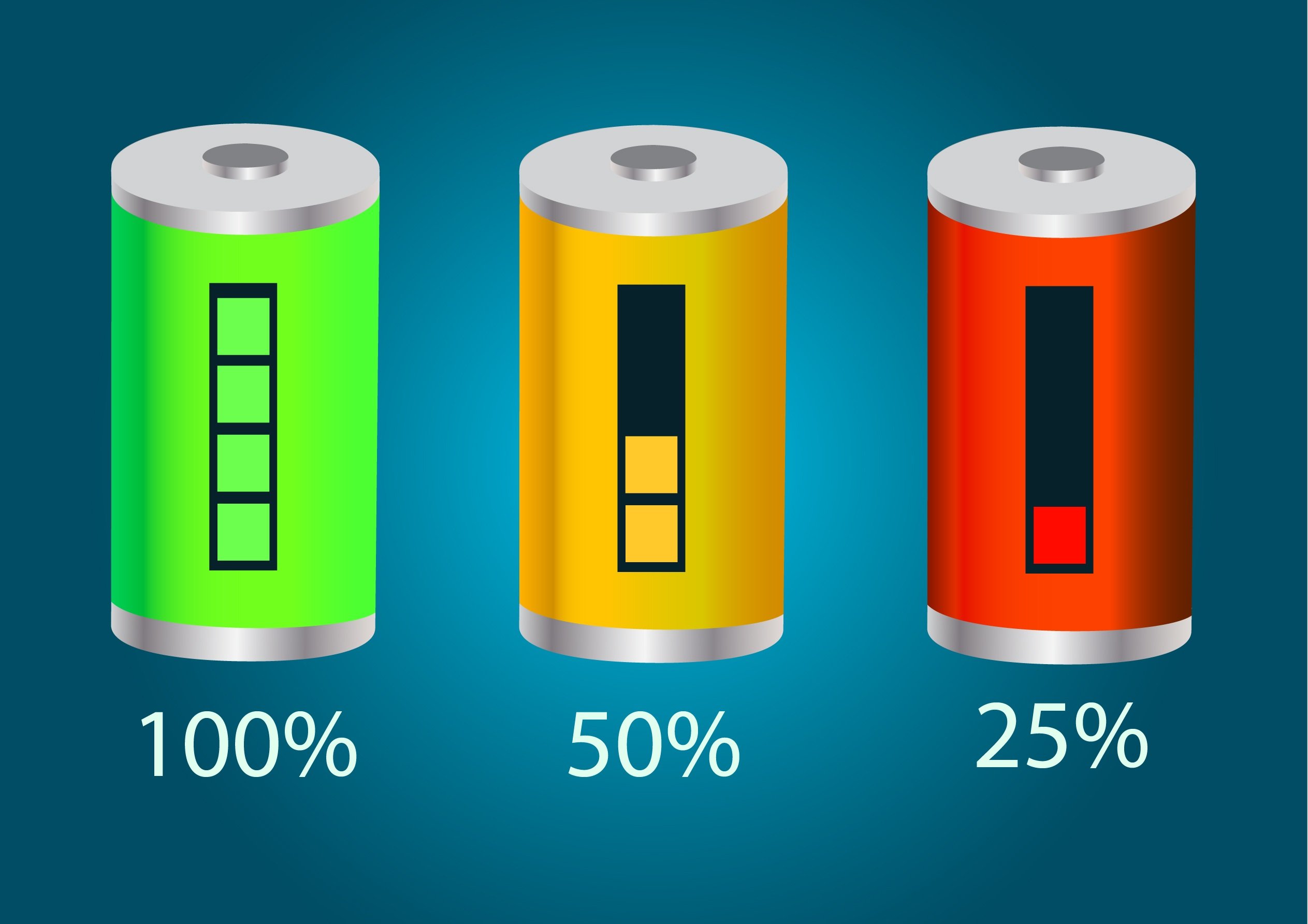
Best time to use: When your battery drops below 30% or when you know you’ll be away from a charger for hours.
Avoid Extreme Temperatures
Heat and cold can permanently damage your battery life. Never leave your phone in direct sun, a hot car, or freezing temperatures for long periods.
Ideal temperature: Room temperature, whenever possible.
Charge Smarter, Not Longer
Many people leave their phones charging overnight but this can shorten battery lifespan over time.
- Keep your battery between 20% and 80% for best long-term health
- Avoid letting your phone drop to 0% regularly
- Unplug after it’s mostly charged
Update Your Software
Software updates often include battery optimization improvements. Keeping your phone up to date can help it run more efficiently.
Final Thought
Small habits can make a big difference in your daily battery life. By managing brightness, closing background apps, using battery saver mode, and charging intentionally, you can keep your phone powered longer and extend its overall lifespan.