
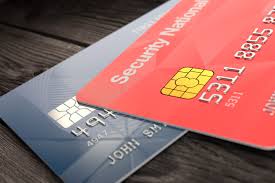
Online shopping is convenient, fast, and often cheaper but it also comes with risks. With cyber scams, fake websites, and unreliable sellers increasing, knowing how to shop safely online is essential. Whether you’re buying clothes, electronics, groceries, or gifts, protecting your personal information and money should always come first.
The good news? Shopping safely does not require complicated tech knowledge. A few smart habits can help you avoid scams, stay secure, and shop with confidence.
Why Online Shopping Safety Matters
Each time you shop online, you share personal information such as your name, address, email, and credit card details. If this information is mishandled or stolen, it can lead to:
- Unauthorized purchases
- Identity theft
- Spam or phishing attempts
- Account hacking
Protecting yourself while shopping online ensures your money and privacy stay secure.
1. Shop From Trusted and Verified Websites
Not all websites are legitimate. Before making a purchase, look for signs that the site is reliable:
- Check for HTTPS in the website address (a lock icon should appear).
- Look for customer reviews on independent platforms.
- Research the brand if you’ve never heard of it.
When in doubt, choose well-known retailers or official brand websites.
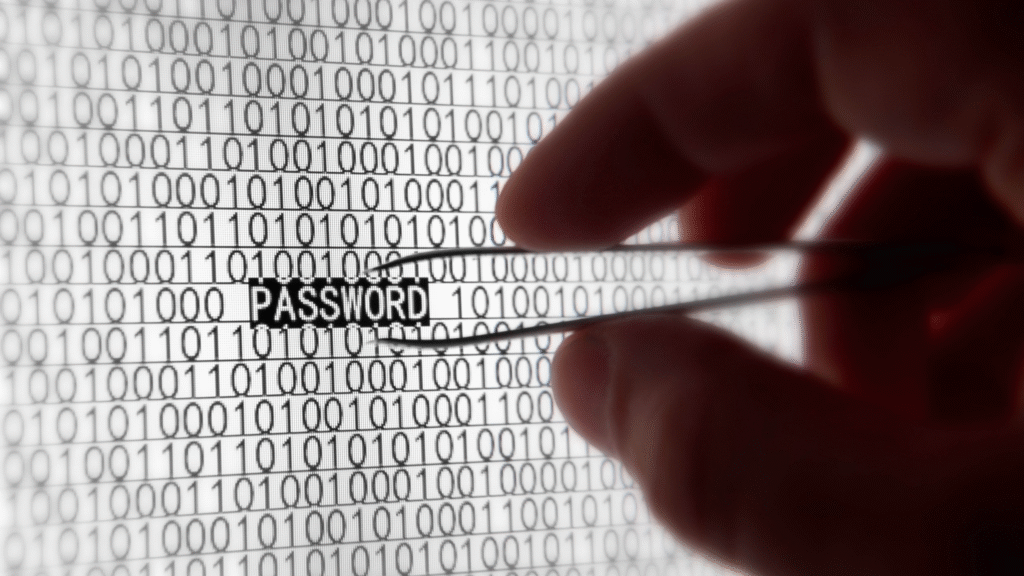
2. Use Strong, Unique Passwords
If you create accounts on shopping sites, avoid reusing the same password everywhere. A strong password should include:
- Uppercase and lowercase letters
- Numbers
- Symbols
A password manager can help you store them securely.
3. Avoid Public Wi-Fi While Shopping
Public Wi-Fi networks (like those in cafes, airports, and malls) are not always secure. If you shop or enter payment information on these networks, your details can be intercepted.
If you need to shop while out, use mobile data or connect through a trusted VPN for extra protection.
4. Use Secure Payment Methods
Credit cards and trusted payment services like PayPal offer fraud protection. Avoid direct bank transfers or peer-to-peer payments unless you trust the seller completely.
| Payment Method | Safety Level | Why |
|---|---|---|
| Credit Card | High | Can dispute unauthorized charges |
| PayPal / Apple Pay / Google Pay | High | Doesn’t share your card info with sellers |
| Bank Transfer | Low | Hard to reverse if something goes wrong |
5. Watch Out for Deals That Look Too Good
If a price seems unbelievably low there’s a reason. Scammers often lure shoppers with big discounts and limited-time deals. Always check:
- Product reviews
- Seller ratings
- Brand authenticity
Remember: It’s better to pay a fair price for a real product than a low price for a fake one.
6. Check Return and Refund Policies
Before purchasing, look for:
- Return timeframes
- Who pays return shipping
- Refund conditions
Reliable sellers provide clear and fair return policies.
7. Keep an Eye on Your Bank Statements
After making online purchases, review your bank or credit card statements regularly. If you notice charges you don’t recognize, report them immediately early detection makes a big difference.
8. Use Two-Factor Authentication (2FA) When Possible
Many e-commerce sites allow you to add an extra layer of security by verifying your login through a text message or authenticator app. It’s a simple step that significantly reduces the risk of account hacking.
Final Thoughts
Online shopping should feel easy, safe, and enjoyable. By practicing these smart habits, you can buy what you love with confidence while keeping your personal information secure.
Your safety matters. Shop wisely, stay alert, and enjoy the convenience of smart online shopping.